
Troubleshooting Common Ceiling Fan Issues
Learn More About Our Ceiling Fan Services
Related Articles
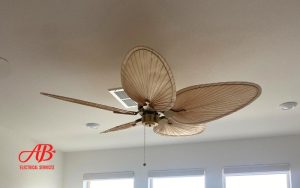


Why Isn’t Your Ceiling Fan Working Properly?
You finally installed a ceiling fan to improve air circulation, reduce energy costs, and enhance comfort—but instead of enjoying a cool breeze, you’re dealing with wobbling, clicking noises, flickering lights, or a fan that won’t even turn on.
A malfunctioning ceiling fan isn’t just frustrating—it can be a safety hazard if improperly wired, unbalanced, or loosely installed. Instead of spending hours guessing at the problem, it helps to identify the cause and find the right fix.
At AB Electrical Services, we help homeowners troubleshoot and repair ceiling fan issues quickly and safely. This guide covers the most common ceiling fan problems, how to diagnose them, and when to call an electrician.
Why Do Ceiling Fans Malfunction?
The Most Common Causes of Ceiling Fan Issues
- Wiring problems that prevent power from reaching the fan
- Blade imbalance leading to wobbling and vibration
- Motor failure reducing speed or preventing rotation
- Control setting issues caused by faulty remotes, wall switches, or pull chains
Why Improper Installation is a Major Factor
Many ceiling fan issues stem from incorrect wiring, unstable mounting, or loose connections. A poorly installed fan can wobble, make excessive noise, or stop working entirely.
When to Repair vs. Replace a Ceiling Fan
- Repair: If the issue is a loose connection, capacitor failure, or minor electrical fault.
- Replace: If the motor is failing, the fan is over 10 years old, or repairs exceed replacement cost.
Ceiling Fan Won’t Turn On or Has No Power
Checking the Circuit Breaker & Wall Switch
If the fan won’t turn on, check if the circuit breaker has tripped and reset it if necessary. Verify that the wall switch is functional by plugging another appliance into the same outlet or testing the switch with a voltage meter.
Testing the Wiring Connections
Turn off power at the breaker and inspect the wiring inside the fan canopy. Ensure the black (hot) and white (neutral) wires are securely connected. Loose or improperly connected wires can prevent the fan from receiving power.
Faulty Remote Control or Pull Chain Switch
- If the fan works with the wall switch but not the remote, replace the remote batteries or reprogram it.
- If the pull chain is stuck or broken, it may need replacement inside the switch housing.
Ceiling Fan Wobbling or Shaking
What Causes a Ceiling Fan to Wobble?
A wobbling fan is usually caused by unbalanced blades, loose screws, or an improperly mounted electrical box. Standard light fixture boxes that aren’t fan-rated may not support the fan’s weight, leading to instability.
How to Balance a Ceiling Fan
Start by cleaning the blades to remove dust buildup, which can throw off balance. If the fan continues to wobble, use a balancing kit to attach small weights to the blades. Adjusting the blade brackets can also help ensure all blades are at the same angle.
Checking for an Unlevel Mounting Bracket
If the fan still shakes after balancing, verify that the mounting bracket is tightly secured to the electrical box. The junction box should also be fan-rated to support at least 35–50 lbs.
Ceiling Fan Making Unusual Noises
Clicking, Humming, or Rattling Sounds
- Clicking noise: Likely due to loose blade screws or warped blades.
- Humming noise: Could be caused by a dimmer switch issue or motor problem.
- Rattling sound: Often results from loose mounting screws inside the fan housing.
Loose Motor Housing or Blade Screws
If vibrations or noises persist, check and tighten all motor housing screws and blade brackets. Even small movements can cause a fan to make excessive noise over time.
When a Noisy Ceiling Fan Signals a Failing Motor
If the fan hums but doesn’t spin, the motor or capacitor may be failing. A burning smell or excessive heat from the fan suggests motor burnout, which requires replacement.
Ceiling Fan Speed Issues: Too Slow or Won’t Change Speeds
Capacitor Failure and Speed Control Problems
A failing capacitor can reduce fan speed or prevent it from changing settings. This small component regulates power to the fan motor and can usually be replaced without installing a new fan.
Dirty or Worn-Out Motor Bearings
Lack of lubrication can slow the motor and cause resistance. If the fan is over 10 years old and running sluggishly, it may be time to replace the motor or upgrade to a new fan.
Wall Switch, Remote, or Pull-Chain Issues
- If the fan works at one speed but not others, the speed switch or control module may need replacement.
- Remotes with faulty receivers can prevent proper speed adjustment.
Ceiling Fan Lights Flickering or Not Working
Checking Lightbulb Compatibility
Some ceiling fan fixtures require specific types of bulbs. Using dimmable bulbs with a standard switch or non-dimmable bulbs on a dimmer can cause flickering.
Loose Wiring Connections in the Light Kit
Turn off power and check the wire connections inside the light kit. Loose wire nuts can cause flickering or prevent the lights from turning on. Tightening these connections often resolves the issue.
Dimmer Switch and Remote Control Issues
If lights flicker when connected to a dimmer switch, upgrading to a fan-compatible dimmer may fix the problem. For remote-controlled fans, checking the receiver module inside the fan canopy may also be necessary.
When to Call an Electrician
Signs of a Serious Electrical Problem
- Sparks, burning smells, or overheating suggest dangerous wiring issues.
- A ceiling fan that keeps tripping the breaker may indicate an overloaded circuit.
Is Your Ceiling Fan Safe to Repair or Should It Be Replaced?
Older fans with failing motors or significant wiring problems may not be worth repairing. A newer model with updated technology will likely be more energy-efficient, reliable, and quieter.
Upgrading to a Smart Ceiling Fan
Smart ceiling fans offer advanced features like app and voice control, making adjustments easier. Some models even include motion sensors and automated speed settings for better energy efficiency.
Get Professional Help for Safe Ceiling Fan Repairs
A ceiling fan should enhance your comfort, not cause frustration. By diagnosing common problems and knowing when to call an electrician, you can restore proper functionality and extend your fan’s lifespan.
Experiencing ceiling fan issues? Contact AB Electrical Services for expert troubleshooting and professional repairs!
Frequently Asked Questions
1. Why is my ceiling fan wobbling?
A wobbling ceiling fan is often caused by imbalanced blades, loose screws, or an improperly mounted junction box. To address this issue, ensure all blade screws are tightened, use a balancing kit to correct any weight discrepancies, and verify that the fan is securely mounted to a fan-rated junction box.
2. What should I do if my ceiling fan won't turn on?
If your ceiling fan isn’t turning on, start by checking the circuit breaker and wall switch to confirm they are functioning properly. Next, inspect the wiring connections within the fan’s canopy to ensure they are secure. If the fan uses a remote control or pull chain, test these components for faults and replace them if necessary.
3. Why is my ceiling fan making unusual noises?
Unusual noises from a ceiling fan, such as clicking, humming, or rattling, can result from loose screws, unbalanced blades, or issues with the motor. To troubleshoot, tighten all screws, balance the blades, and inspect the motor for signs of wear or damage. If the noise persists, it may indicate a failing motor that requires professional attention.


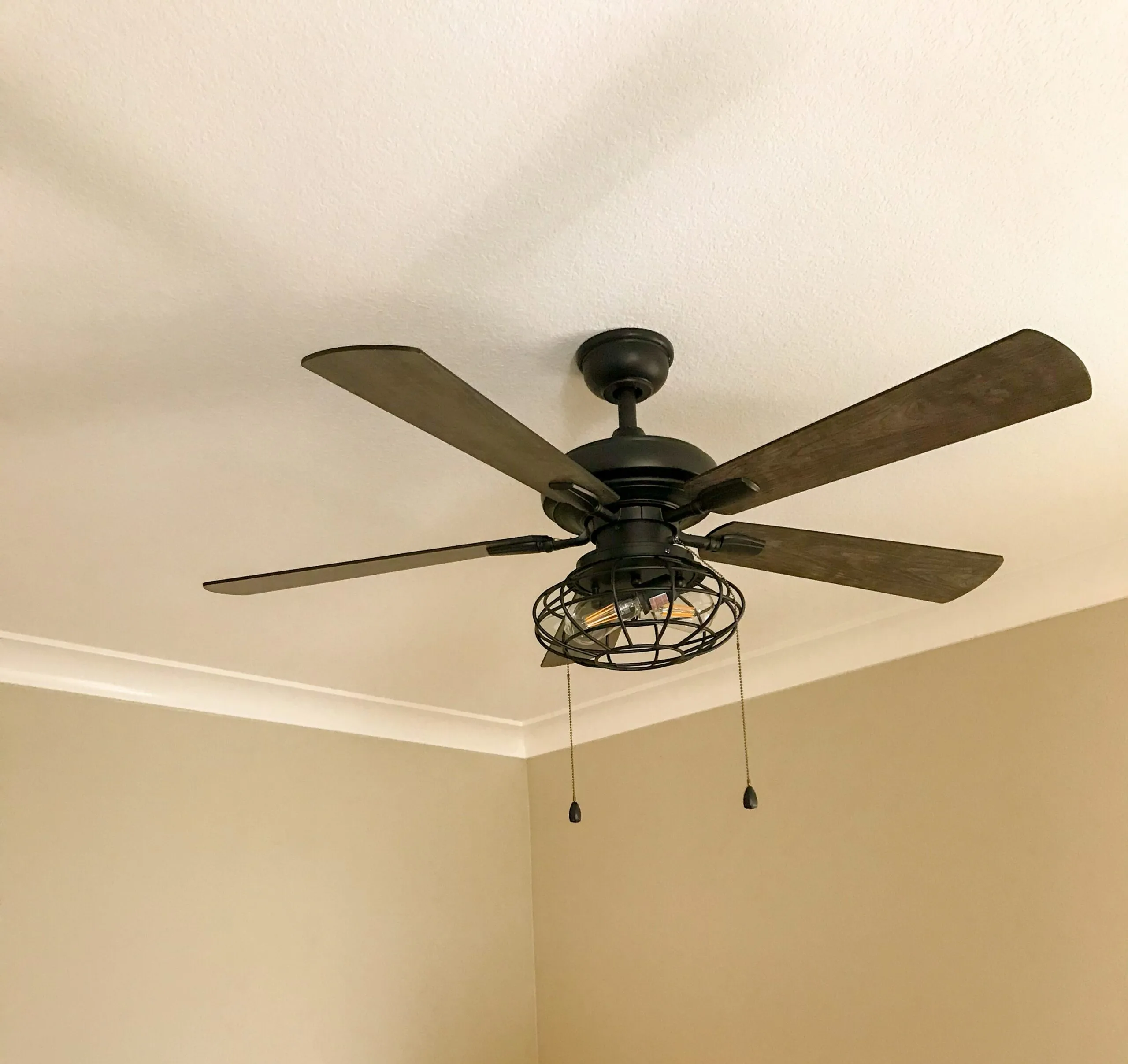


Request a Quote
Fill out the form below and a member of our team will reach out to you as soon as possible